CCC Photobooth for Android TV1.5.0
Publisher Description

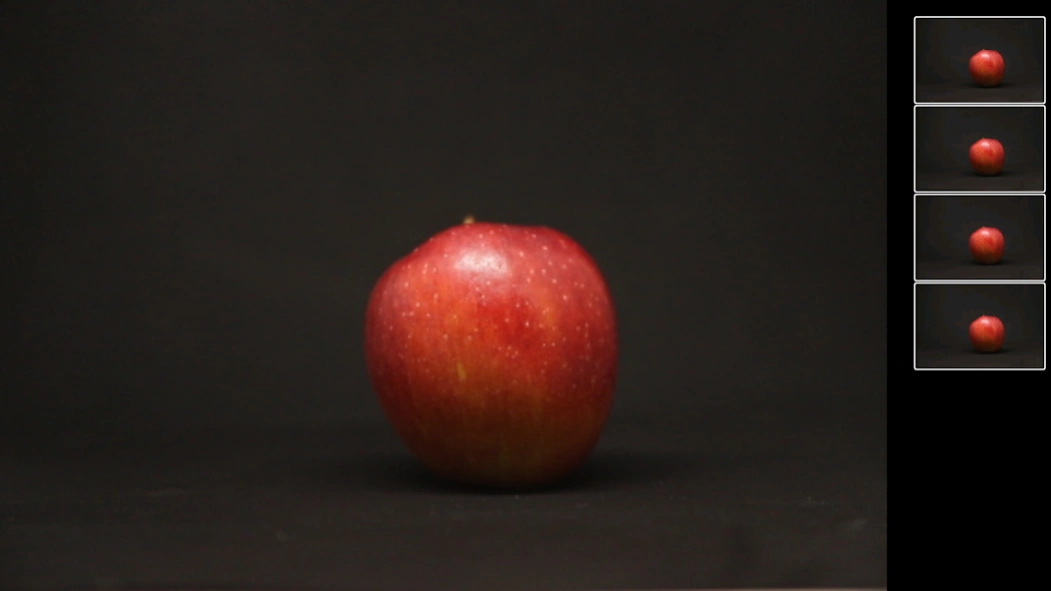


Use your camera to run a Photobooth on TV screen
Connect your camera wireless to your TV and transform it into a Photobooth.
* change countdown with left/right buttons
* change number of captures with up/down buttons
* start/stop capturing with center button
List of supported cameras:
Sony
Sony cameras that have the 'Smart Remote Control' app, like Alpha 6300.
Important: update 'Smart Remote Control' on your camera before using this.
To update open 'PlayMemories Camera Apps' and select 'Smart Remote Control' from the list of apps.
Nikon
* Most DSLR cameras that support wifi, like D5300 or D7200
* Newer cameras from the Z Series, like Nikon Z50, Z6 (II) and Z7 (II)
* Snapbridge cameras with firmware update that unlocks the wifi menu on the camera, like D850 with Firmware 1.10
* Superzoom cameras, like Nikon P900
Canon
* DSLR cameras with wifi, like Canon 5D Mark IV
* DSLR cameras with wifi adapter, like 7D Mark II using W-E1
* M-Series, like Canon EOS M10
About CCC Photobooth for Android TV
The company that develops CCC Photobooth for Android TV is RupiApps. The latest version released by its developer is 1.5.0.
To install CCC Photobooth for Android TV on your Android device, just click the green Continue To App button above to start the installation process. The app is listed on our website since 2025-09-29 and was downloaded 25 times. We have already checked if the download link is safe, however for your own protection we recommend that you scan the downloaded app with your antivirus. Your antivirus may detect the CCC Photobooth for Android TV as malware as malware if the download link to com.rupiapps.cccphotobooth is broken.
How to install CCC Photobooth for Android TV on your Android device:
- Click on the Continue To App button on our website. This will redirect you to Google Play.
- Once the CCC Photobooth for Android TV is shown in the Google Play listing of your Android device, you can start its download and installation. Tap on the Install button located below the search bar and to the right of the app icon.
- A pop-up window with the permissions required by CCC Photobooth for Android TV will be shown. Click on Accept to continue the process.
- CCC Photobooth for Android TV will be downloaded onto your device, displaying a progress. Once the download completes, the installation will start and you'll get a notification after the installation is finished.
Program Details
System requirements
Download information
Pricing
Version History
version 1.5.0
posted on 2025-09-29
* use Android 15
* compatible with new cameras
version 1.4.0
posted on 2024-03-05
* use Android 14
version 1.3.1
posted on 2022-09-17
* support for Canon PowerShot
version 1.2.2
posted on 2021-04-02
* switch to SDK 30 (Android 11)
* better support for Nikon Z series
version 1.1.1
posted on 2020-07-04
improve wifi search
skip Nikon search if possible
fix bugs
